


Can we keep the original agreement and its amendments?
Yes. Keep each document and its email separately, combine their checked details in the agreement’s current view and use the available history to check earlier versions.
Keep agreements, leases, amendments and notice correspondence together. Check the terms behind a renewal or obligation, separate notice dates from effective dates and make the review visible before the window closes.
Renewal notice
Renewal is on 30 November. Please send notice by 31 October.
Notice-date alert
Prompt the owner to review before the notice deadline.
The agreement under review
Bring an agreement, its amendments and notice emails together across the accounts and folders your team uses. Find them by the parties, agreement reference or property being reviewed.
Keep each document identifiable while combining checked dates and terms into a current agreement profile. Check the available document history when reviewing the basis of a decision.
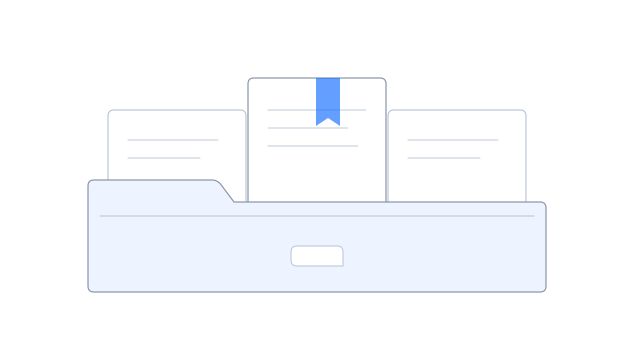
Notice deadlines and renewal dates
A renewal date and a notice deadline answer different questions. Keep separate fields and the clause or notice that supports each one.
Track termination notice, option exercise, rent changes or recurring requirements in separate fields. Check each against its clause or notice, then set alerts for the dates your team needs to review.
Amendments and review tasks
See the amendment beside the original agreement and any email explaining the change. Trace the current date or term to its supporting document so the responsible reviewer can decide which one applies.
Record the review decision with the documents used to make it. Legal interpretation and approval stay with your responsible reviewers.
Set an alert for a checked notice deadline and the lead time your team needs. Scheduled checks can prompt a review even if no new notice email arrives.
Create follow-up with an owner and due date when the alert matches. Use the agreement and review cycle to keep recurring work connected, and review later date changes before replacing an existing due date.
Agreement portfolio
See upcoming notice windows by owner, property or supplier in a portfolio table or agreement summary. Open the document behind each date where access allows, and keep outstanding questions beside it.
Share the chosen terms and files with an adviser, manager or counterparty through a separate view. Each audience can receive the details needed for their part of the review.
Yes. Keep each document and its email separately, combine their checked details in the agreement’s current view and use the available history to check earlier versions.
Yes. Choose the references, terms, date fields and review cycle for each agreement type. Keep the clause or notice behind each date available to the reviewer.
See the agreement, amendment and notice date together, then choose when to prompt the person responsible for the decision.