Save the emails and documents you’ll need again
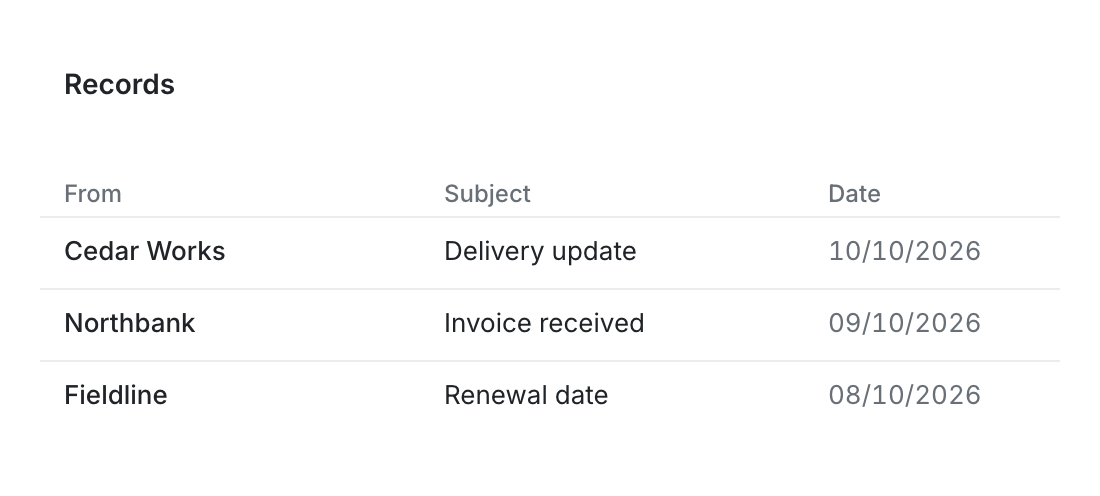
Create a custom list of supplier emails from multiple inboxes and save it as a Collection. Reopen it for the next order or review. You can also save groups of documents or tables of extracted data, such as invoice amounts and due dates.
Choose criteria such as sender or subject to include matching emails, and add or remove individual messages when you need to. New matching emails join the saved group as they’re captured, so you can return to it without repeating the search.
Follow the conversation while you review
Read emails as individual messages or grouped conversations. When you open an email from a saved group or shared view, keep that context as you read the thread, so you can follow the discussion and return to the work you were reviewing.