

For finance teams
Check an invoice against the order, credit note and supplier email that explain the amount. Track unresolved charges, review notice deadlines and export the fields your finance process needs.
Invoice attachment
Total due: £12,400.
- Supplier
- Cedar Works
- Payment due
- 18 October
Extracted invoice fields
- Invoice
- INV-0442
- Amount
- £12,400
- Due date
- 18 October
Review or correct the fields; the captured invoice stays unchanged.


Checking invoice amounts
Check an invoice amount against its supporting records
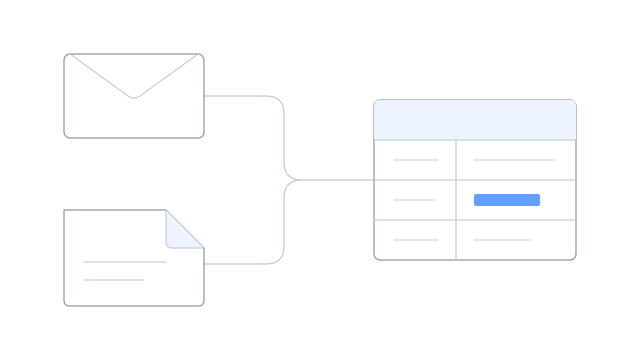
Read an invoice beside its purchase order, credit note and supplier email. Bring the amounts and line items into a table, with the original document behind each value.
Use invoice review to compare different supplier formats, correct working values and track discrepancies. Your finance process handles payment approval, posting and reconciliation.
Renewal dates and finance exports
Review commitments and dates together
Finance may need upcoming renewal costs or a notice deadline alongside the agreement and amendment behind them. Keep the notice date beside its contract clause and assign someone to confirm the renewal decision.
Use contracts and renewals to see the notice window and prompt a review before it closes. Your responsible team decides whether to renew or cancel.
Export checked data in the format your finance team uses
Choose the reviewed rows, amounts, currencies, units and references your finance process needs. Keep a saved version when the figures used for a review must remain identifiable.
Download a spreadsheet or give your integration access through an API or webhook. Review delivery history with the person responsible for the receiving system.
Check an amount without piecing the explanation together again
See the invoice, order and supplier answer together, then export the reviewed details for your finance process.